On-device AI · nothing is uploaded
Free background remover for transparent PNGs
ImgCutout is a private PNG background remover. Drop in a photo, logo, or screenshot and get a clean image cutout with a transparent background in seconds. Your image never leaves your device.
- 100% free
- No uploads
- No sign-up
- No watermark
Drop an image to get started
or paste one with Ctrl/⌘ V
PNG, JPG or WEBP · up to 20MB
Examples
See the background remover in action
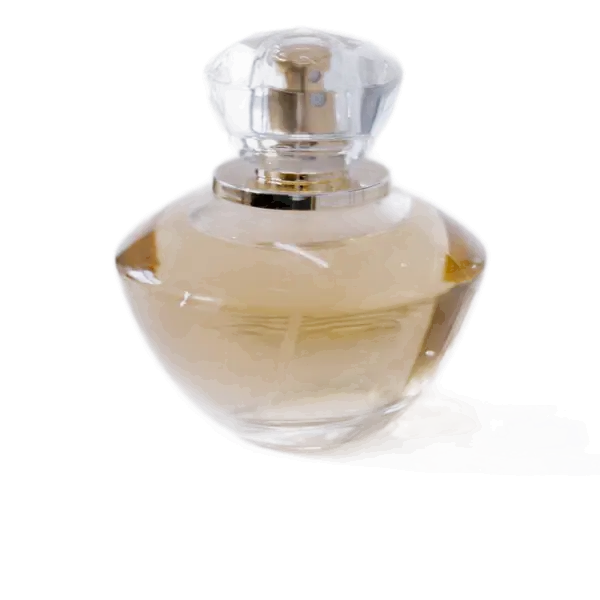
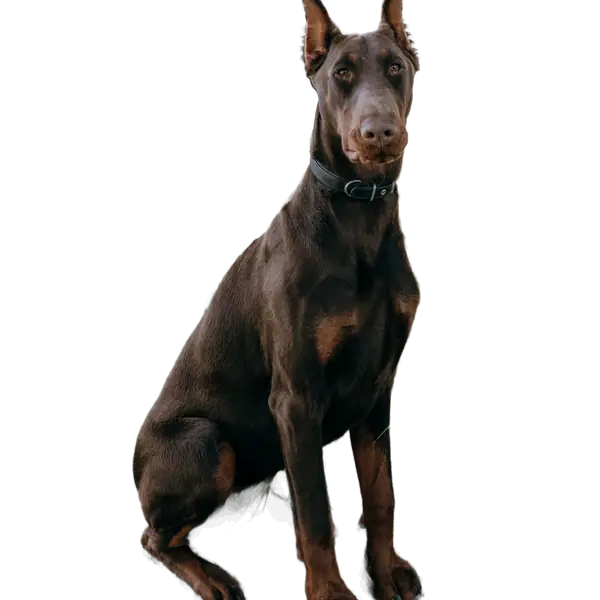
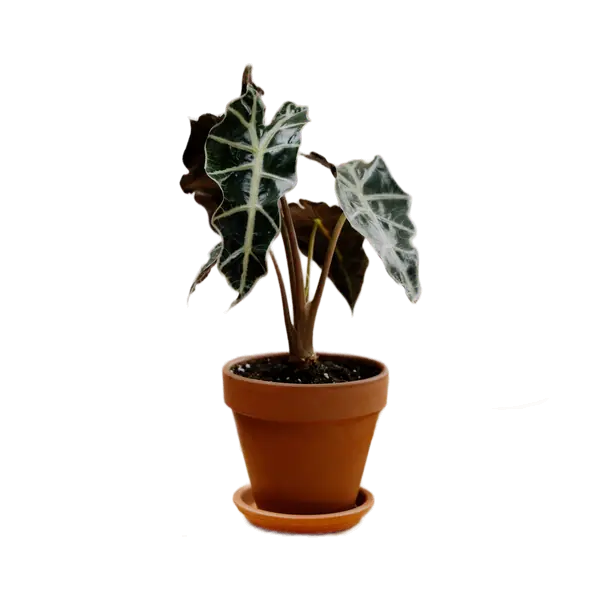
Real photos, real results: every cutout below is the tool's untouched output, with no manual retouching. The checkerboard shows where the background is now transparent.
 Before
 After
After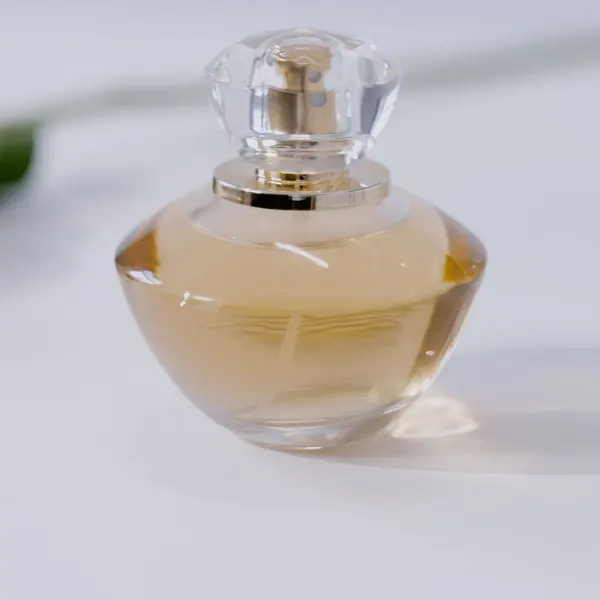 Before
 After
After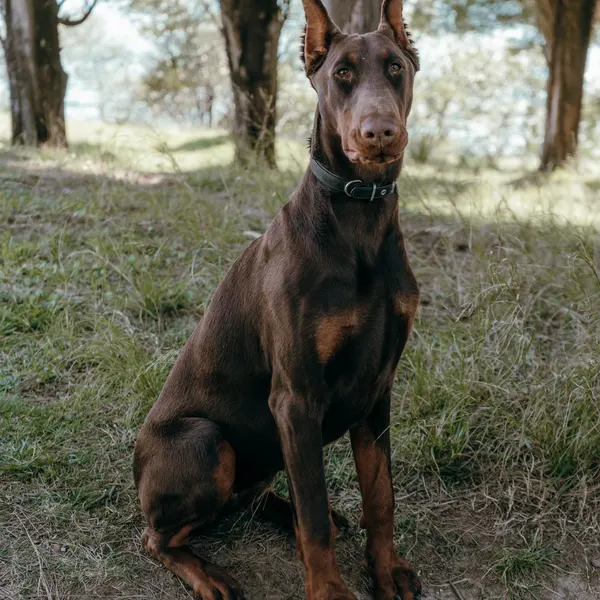 Before
 After
After Before
 After
AfterSource photos from Pexels (Pexels License: free to use, no attribution required) by Vlada Karpovich, MART PRODUCTION, Nikola Vu and cottonbro studio. How they were made: each original JPG (1600 px wide) was run once through the same ormbg model this site uses, at Balanced (16-bit) quality, with edge cleanup left at “As detected” and no brush edits. The before and after images were then given the identical crop and resized to fit this page. See every example with measured data.
Why ImgCutout
Why use this PNG background remover
100% private
Unlike most online background remover tools, your photo is processed with on-device AI. It's never uploaded to a server, so there's nothing to leak.
Completely free
No credits, no watermarks, no account. Remove as many backgrounds as you like, at full resolution on desktop and laptop computers.
Works offline once loaded
After the page and the AI model have loaded, you can disconnect and keep removing backgrounds. Only reloading the page needs a connection.
Transparent PNG export
Save a transparent PNG for design work, or flatten the result onto a color and export a lighter JPG or WEBP file.
No installs
It's a website, not an app. Open it on desktop or mobile in Chrome, Safari, Firefox, or Edge and start right away.
Fast AI model
Powered by the open-source ormbg segmentation model, running right inside the tab on WebAssembly, with optional WebGPU acceleration.
How it works
How to remove background from PNG and photos in 3 steps
- 1
Upload your photo
Drag and drop a JPG, PNG, or WEBP up to 20MB, click to browse your files, or paste a screenshot straight from the clipboard.
- 2
The background remover cuts out the subject
An on-device AI model finds the person, product, or object and erases everything behind it in a few seconds.
- 3
Download your image cutout
Keep the transparent background, or pick a solid color first. Then save the image in the format you need.
Use cases
What you can make with a PNG background remover
A transparent cutout is one of the most reusable assets in any project. Here are the most common ways people use it — and for logos and stickers, try our dedicated PNG creator.
Product photos for online stores
Marketplaces like Amazon, Etsy, and Shopify favor clean product shots on a plain background. Remove the clutter behind your item, then place it on pure white or a brand color so every listing looks consistent. Got a whole catalog? The bulk background remover handles up to 100 product photos at once and exports them as one ZIP.
Profile pictures and headshots
Cut yourself out of a busy photo and drop the portrait onto a neutral color for LinkedIn, a résumé, a team page, or an ID photo with a blue, red, or white background.
Logos, stickers, and graphics
Use the PNG creator to turn a logo, drawing, or signature into a transparent image that layers over any design, print on merchandise, or share as a sticker in chat apps.
Presentations and documents
A subject without its background blends into slides and reports far better than a rectangular photo. Paste transparent cutouts into PowerPoint, Keynote, Google Slides, or Word.
Social media and thumbnails
YouTube thumbnails, Instagram posts, and TikTok covers stand out when the subject pops off a bold background. Make a PNG cutout here, then finish the layout in your favorite editor.
Design mockups and collages
Designers use a background remover to speed up compositing. Export a transparent PNG and bring it straight into Figma, Canva, Photoshop, or any tool that supports layers.
Guide
How our AI background remover works
Most online background remover services upload your photo to a remote server, process it there, and send the result back. ImgCutout takes a different approach: the AI model is delivered to your device once and runs locally, so the whole image cutout happens on your own computer or phone.
The model is trained on a large set of images to recognize the main subject of a photo — people, pets, products, cars, furniture, and more. For every pixel it predicts how likely that pixel belongs to the foreground. That prediction becomes an alpha mask, which is cleaned up and applied to your original photo. Areas marked as background become fully transparent, while soft edges such as hair and fur keep a natural, partly transparent blend.
The result is a transparent PNG: a file format that stores an alpha channel next to the usual color data. That's why a PNG creator is so useful — a JPG can't hold transparency, so it always fills the empty area with a solid color. If you need a smaller file and don't need transparency, just choose a background color and export a JPG.
Why local processing matters
Photos often contain faces, documents, homes, and other personal details. Because nothing is uploaded, there's no copy of your image on someone else's server, no retention policy to trust, and no risk of it being used to train another company's model. Local processing also means there are no queues or daily limits: speed depends only on your device, and once the page and model have loaded, the tool keeps working even if you go offline.
Tips for a cleaner image cutout
Start with a clear subject
The AI separates the foreground most accurately when the subject is in focus and fills a good part of the frame.
Look for contrast
A subject that stands out from what's behind it — a dark jacket against a light wall, for example — gives crisper edges.
Crop before you cut out
If a photo contains several people or objects, crop it to the one you want first so the model focuses on the right thing.
Paint to keep an object
When the automatic result drops part of the subject, use the select tool and paint over the object you want to keep.
Pick the right export
Use PNG when you need transparency, WEBP for a smaller transparent file on the web, and JPG when a solid color is fine.
Use the highest resolution you have
On a computer the cutout keeps your original size, so a sharper source photo gives you a sharper result to print or zoom.
Guides for common jobs
All guides →- Online sellingHow to make Amazon main images with a pure white backgroundWhat Amazon's main image rules actually require (RGB 255 white, 85% fill, 1000px+ for zoom), why phone photos fail them, and a repeatable workflow to fix a whole catalog.
- Photos of peoplePassport and ID photos: changing the background the right wayBackground colors and photo sizes for US, UK, Schengen, and other ID photos, what passport offices say about digital editing, and how to make a compliant photo at home.
- Photos of peopleProfessional headshots and profile pictures from everyday photosTurn a casual photo into a clean headshot for LinkedIn, Slack, a team page, or a speaker bio: choosing the right photo, background colors that flatter, and sizes for each platform.
- How it worksWhy hair, fur, and glass are hard to cut out (and how to get better results)The difference between segmentation and matting, why semi-transparent edges like curls, pet fur, and glass bottles challenge every background remover, and practical ways to improve them.
- How it worksHow to check that your images are never uploadedDon't take our word for it: use your browser's developer tools to watch every network request while you remove a background, and confirm that no image data leaves your device. Also: how to test offline.
- ComparisonsImgCutout vs remove.bg vs Photoshop vs your phone: an honest comparisonA feature-by-feature comparison of four ways to remove a background, covering privacy, cost, output resolution, batch processing, and editing control, with the method behind each conclusion and how to run your own test.
FAQ
Background remover FAQ
Is this background remover really free?
Yes. There are no credits, watermarks, or sign-ups. Because the AI runs on your own device, there are no server costs to pass on, so the background remover stays free no matter how many images you process.
Are my photos uploaded to a server?
No. The background removal model runs locally in your browser, on your CPU via WebAssembly by default, or on your graphics card via WebGPU if you turn it on in Settings. Your image is processed on your own device and is never sent anywhere. Once the page and the AI model have loaded, you can even disconnect from the internet and keep removing backgrounds.
Can I remove the background from a PNG?
Yes. This background remover works on PNG, JPG, and WEBP files — including PNGs that still have a white or colored background. Results can be saved as a transparent PNG or WEBP, or flattened onto a background color as a JPG.
What's the maximum file size?
Images up to 20MB are supported. On computers, the cutout is exported at the same resolution as your original photo. On phones, tablets, and devices with 4GB of memory or less, photos larger than about 4 megapixels (roughly 2300 × 1730) are scaled down first so the browser doesn't run out of memory.
Does it work on mobile?
Yes. It works in modern mobile browsers on iPhone and Android, though very large images may take longer on older phones. Nothing needs to be installed.
Why does the first image take longer?
The AI model is downloaded once and cached on your device. Every image after that processes much faster, since it doesn't need to download again.
What is a PNG creator?
A PNG creator turns a regular photo into a PNG file with a transparent background. Only the subject is kept, ready to place on any color, pattern, or design without a white box around it.
Can I fix the image cutout if the AI misses something?
Yes. Use the select tool to paint over the object you want to keep and cut out just that area. You can also crop the photo first so the model focuses on the right subject.
Can I replace the background with a color?
Yes. After the background is removed, pick a preset or custom color, including common ID photo backgrounds, then download the result as a JPG, PNG, or WEBP.
Can I use the images commercially?
Yes. The images are yours, and we add no watermark or license restrictions to the results. Use your PNG cutouts in online shops, ads, presentations, or client work.